Bulldog Variety Market
500GB/2TB Gaming HDD Batocera Retro Game Console With 52000+Games For PS3/PS2/Wii/WiiU/N64/SNES/Sega Saturn/MAME for Windows PC
500GB/2TB Gaming HDD Batocera Retro Game Console With 52000+Games For PS3/PS2/Wii/WiiU/N64/SNES/Sega Saturn/MAME for Windows PC
Couldn't load pickup availability
SPECIFICATIONS
Battery Included: No
Bluetooth-compatible: Yes
Capacity: 500G/2T
Category: Video Game Console
Certification: CE,weee
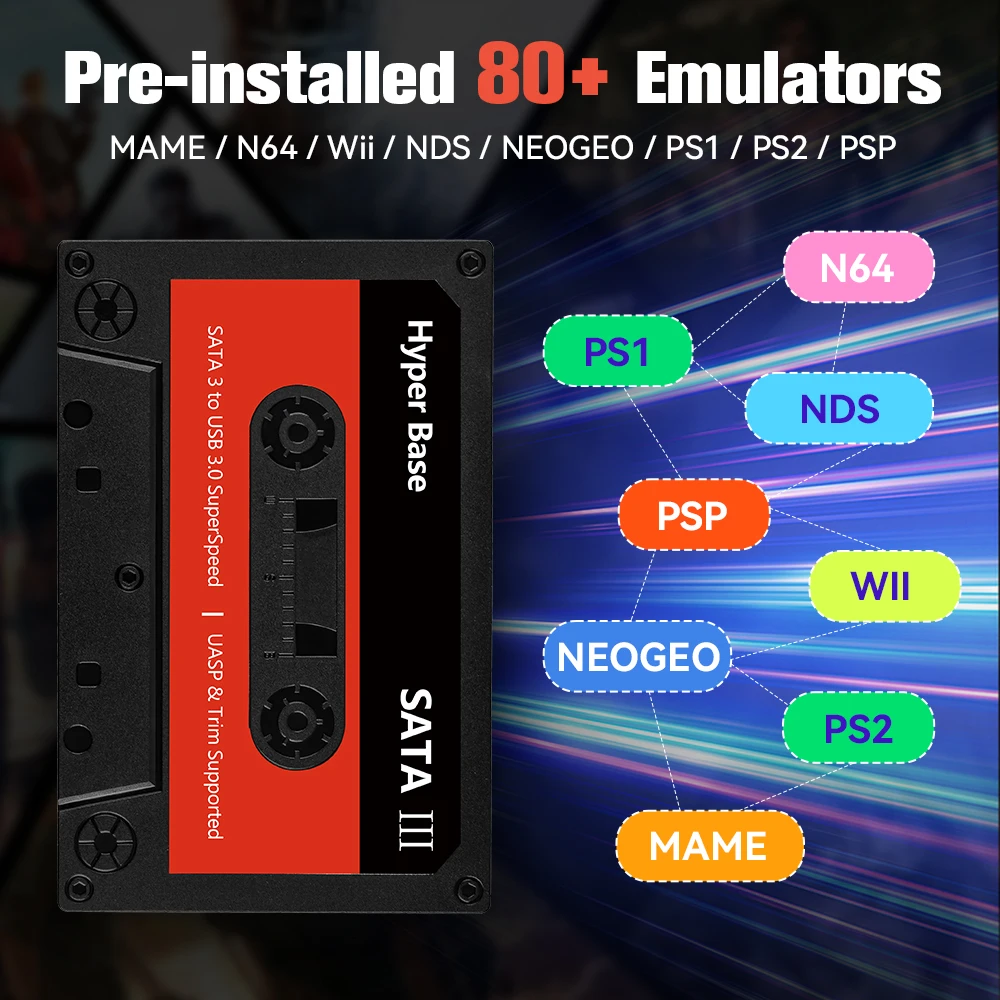
Emulators: For PS3/PS2/Wii/WiiU/N64/SNES/Sega Saturn/MAME...
Feature 1: Retro game hdd
Feature 2: Retro game console
Feature 3: Video game console
Game Type: Retro games
High-concerned chemical: None
Operating System: Batocera
Package: No
Supporting Language: Japanese,French,German,Italian,Spanish,Portuguese,Russian,English,Swedish,Polish,Greek,Turkish,Korean,Dutch,Latin American Spanish,Brazilian Portuguese,Simplified Chinese,Traditional Chinese Style,Ukrainian
Type of devices: Other
WIFI: No
Why choose Hyper Base Batocera 500GB/2TB Gaming HDD?
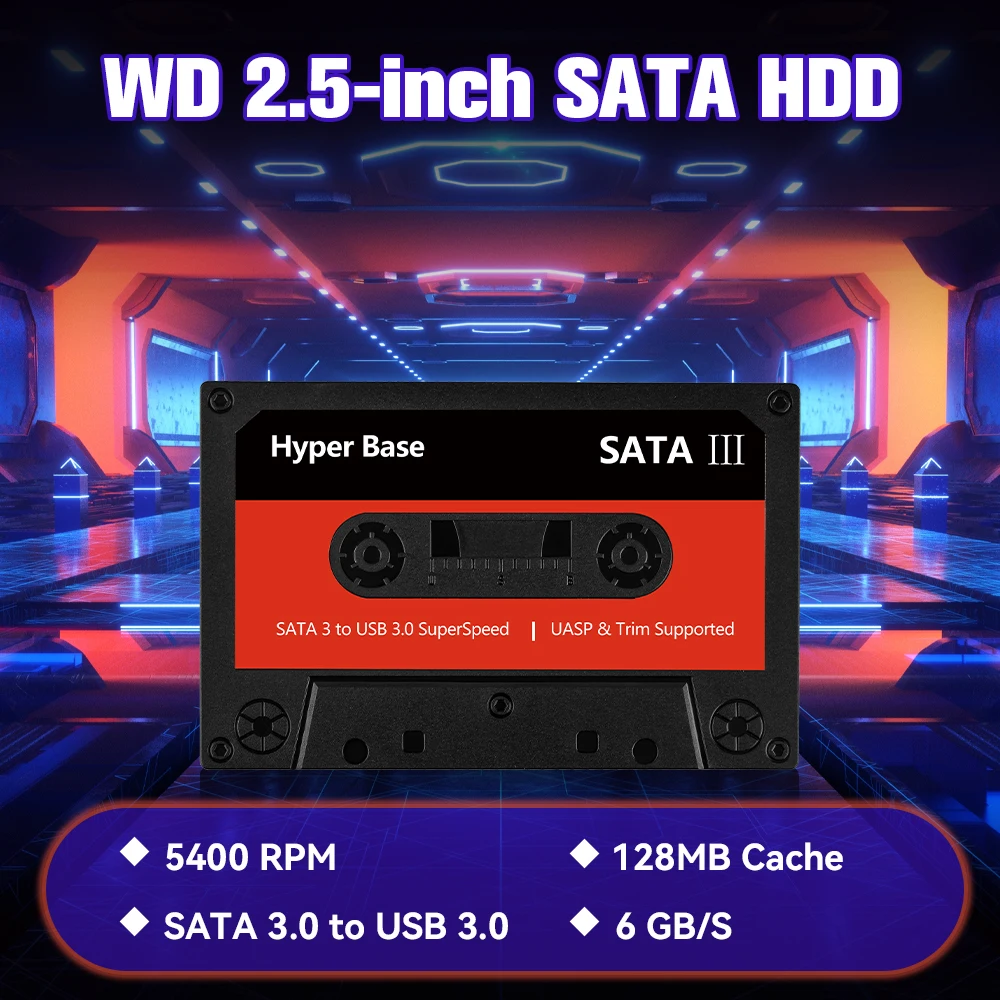
◆ 2.5-inch SATA 500GB/2TB Capacity Hard Drive Disk
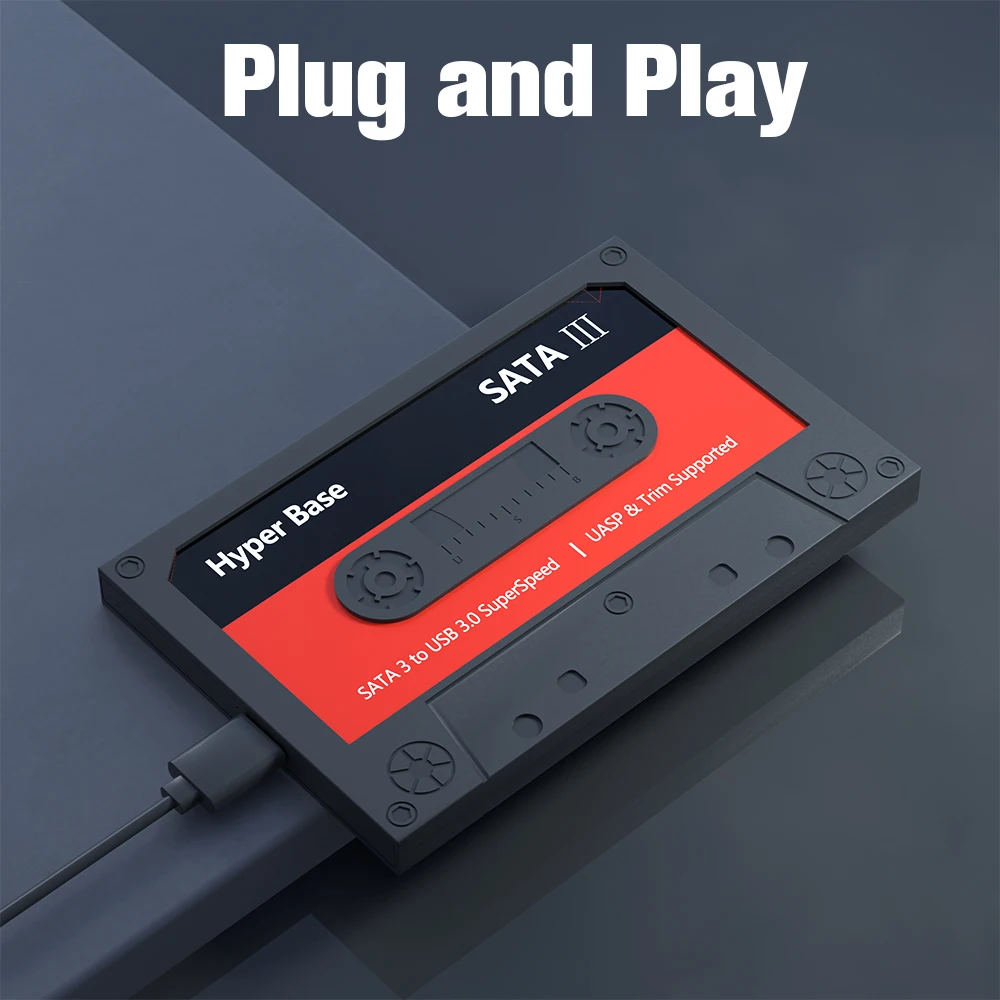
◆ Plug and Play, The games in it are already pre-installed
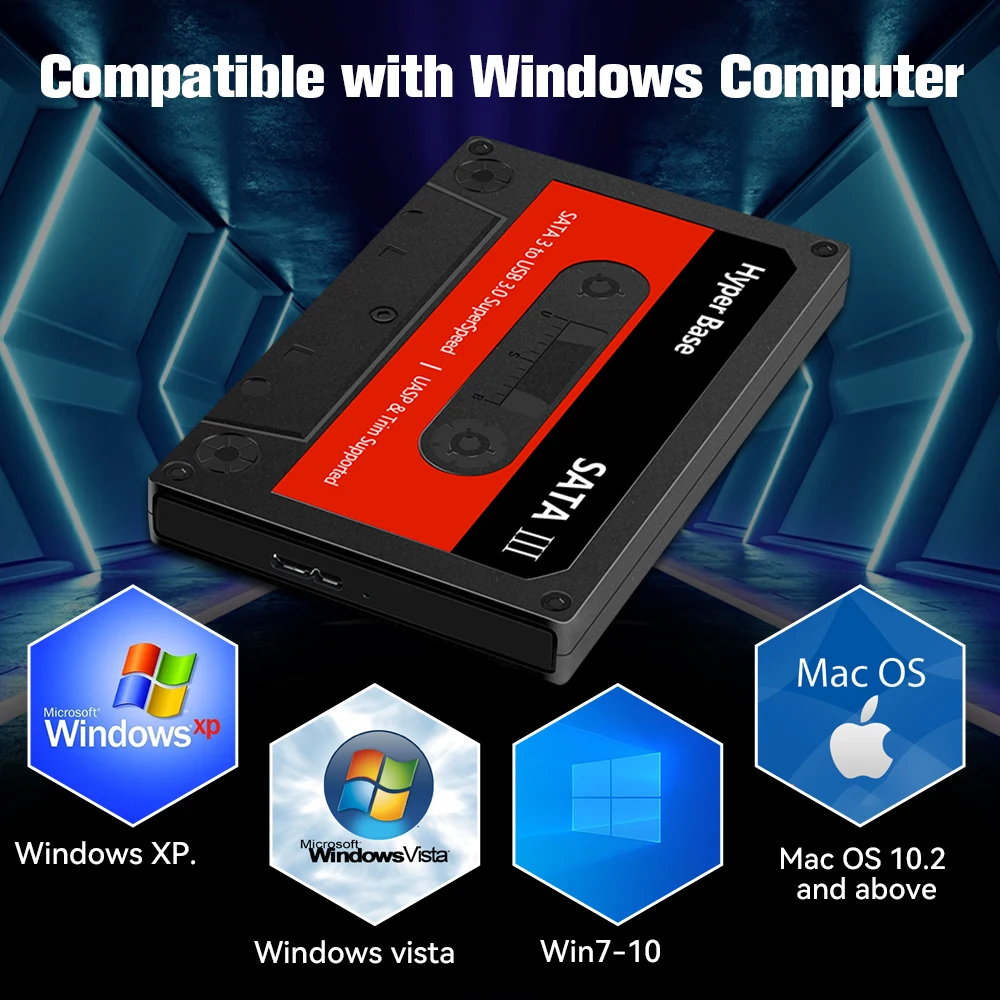
◆ Support WIN 8.1 and Above PC and Laptop
◆ Compatible with PS3/PS2/PS1/PSP/N64/DC/GAMECUBE/NES/SNES etc Emulators
◆ Pre-installed Batocera system,
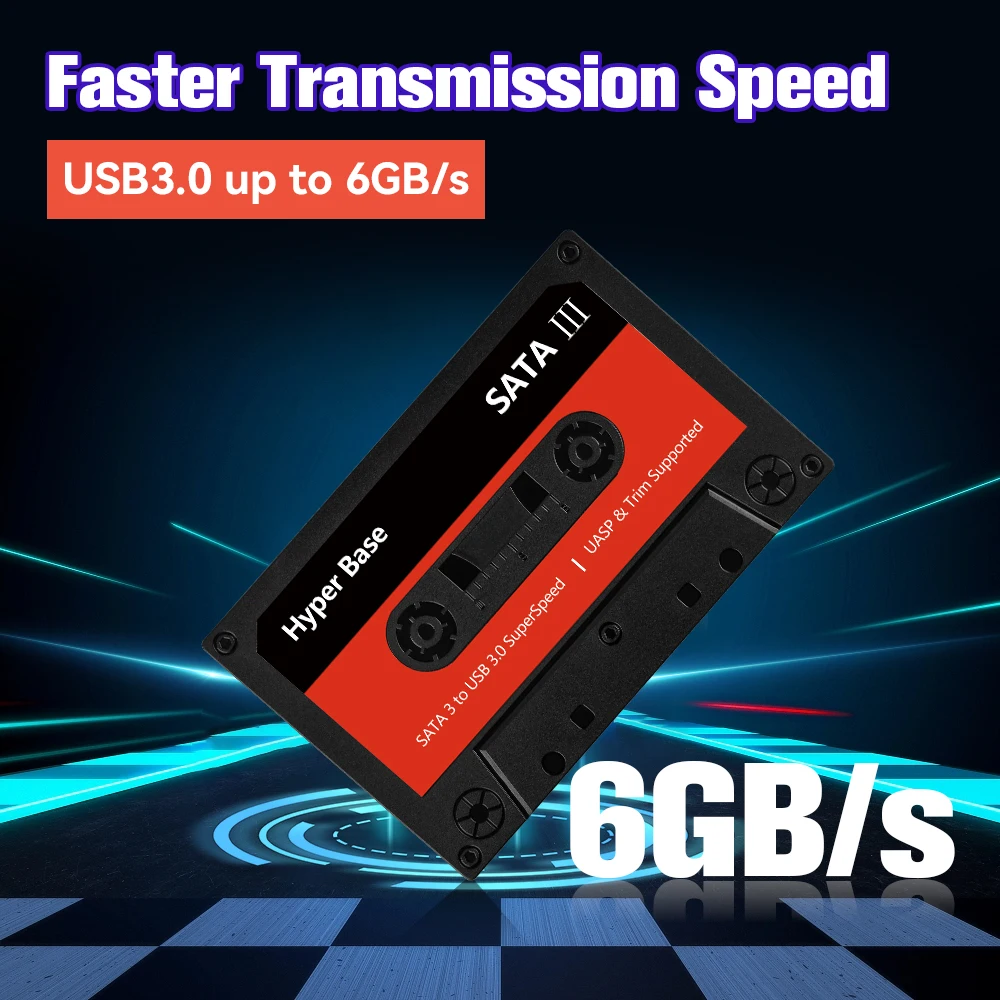
◆ USB 3.0 Interface; Fast and Stable Transmission
◆ Support Free Downloading 110000+Games
Notice:
✍How to enter the Batocera System ?
1.Connect the portable hard drive to a USB port on your PC , a USB 3.0 port is recommended.
2,Press the computer power button and keep clicking delete or F2 on the keyboard (the method of entering BIOS may be different for different brands of computers). After entering BIOS, check whether the hard disk boot item is displayed in BIOS. Use the keyboard arrow keys to control the selection of the hard disk and press Enter. The computer screen will be black for about half a minute and will automatically enter the BIOS system.
✍How to Check Hard Disk Capacity?
1:Enter the game system
2: Press the "start" key to enter the main menu to find the system settings
3: Select the "Information" option and click to enter
4: Then you can see system disk usage
Tips: Since the game system of the hard disk is a Linux system file, the game partition can not be seen under the Windows system, you can enter the game system to check.
!!!!!Please read the instructions before playing the game
Plug and Play
Built-in 80+ Emulators
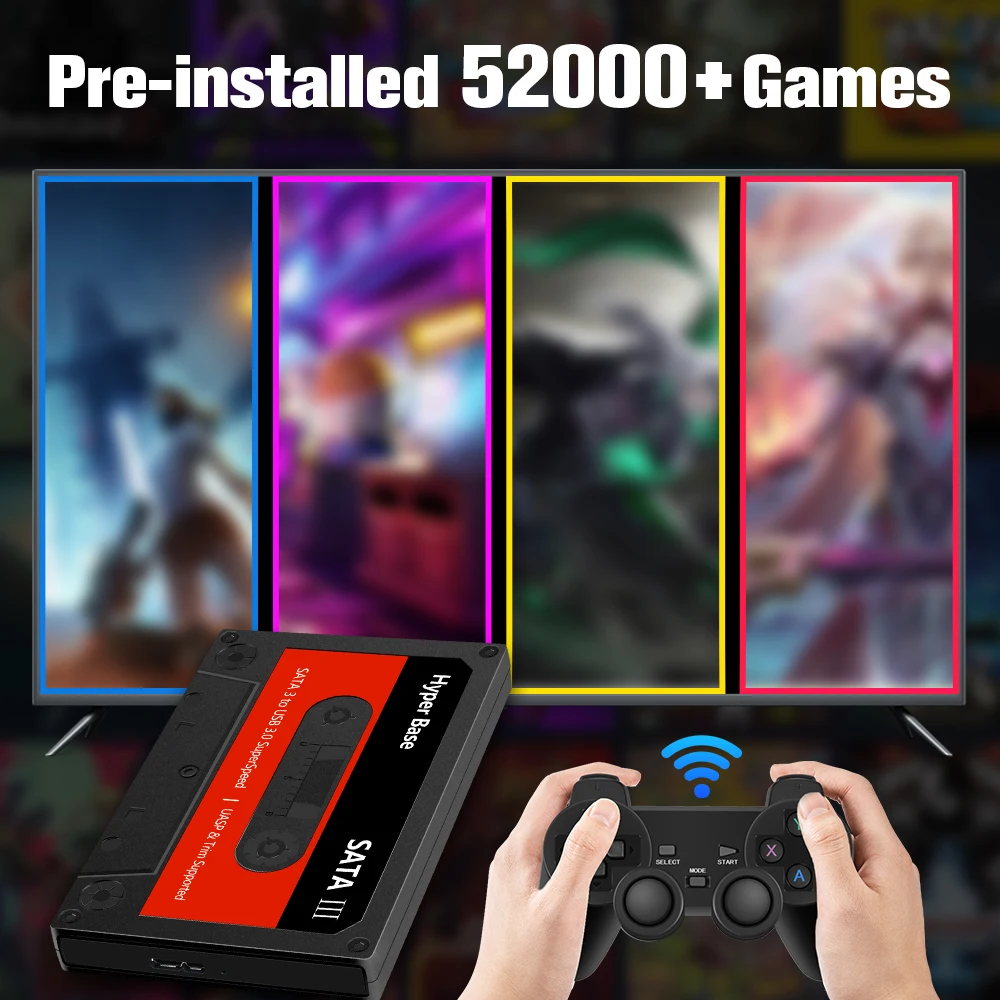
Pre-installed 52000+ Games
Compatible with Windows Computer
You May Like-Playzone 1T Game SSD
Built-in launchbox&retrobat&and Playnite systems, with 16,000+ retro/PC games.
Click on the image below to view product information!
WD 2.5-inch SATA HDD
Faster Transmiaaion Speed
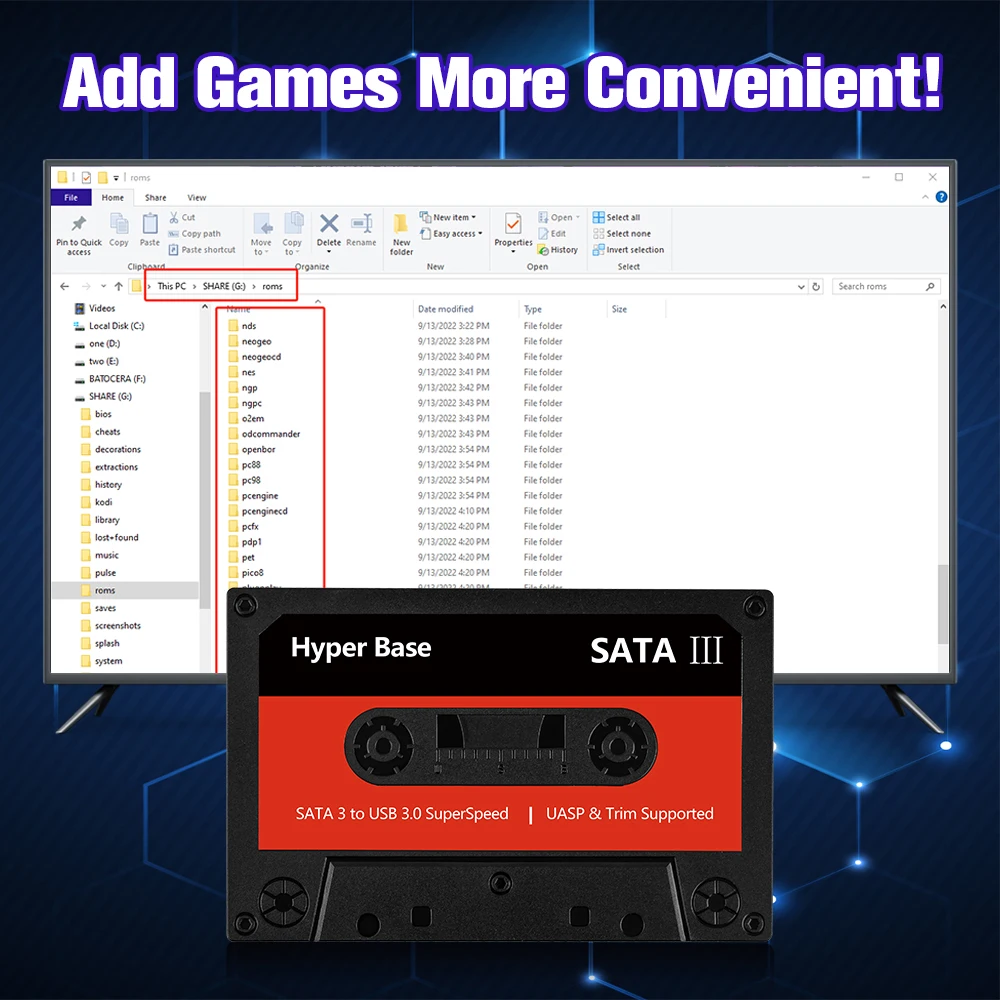
Add Games More Convenient
Support Multiplayer Games
It can support up to 4 people to play at the same time, there is no doubt that with it, you can enjoy the fun of the game with your family or friends

28 Languages Supported
Built-in more than 28 system languages, you can switch according to your own needs, very convenient